Guide
Storage bin inventory, one photo at a time
By the WhereKept team. Updated November 3, 2026.
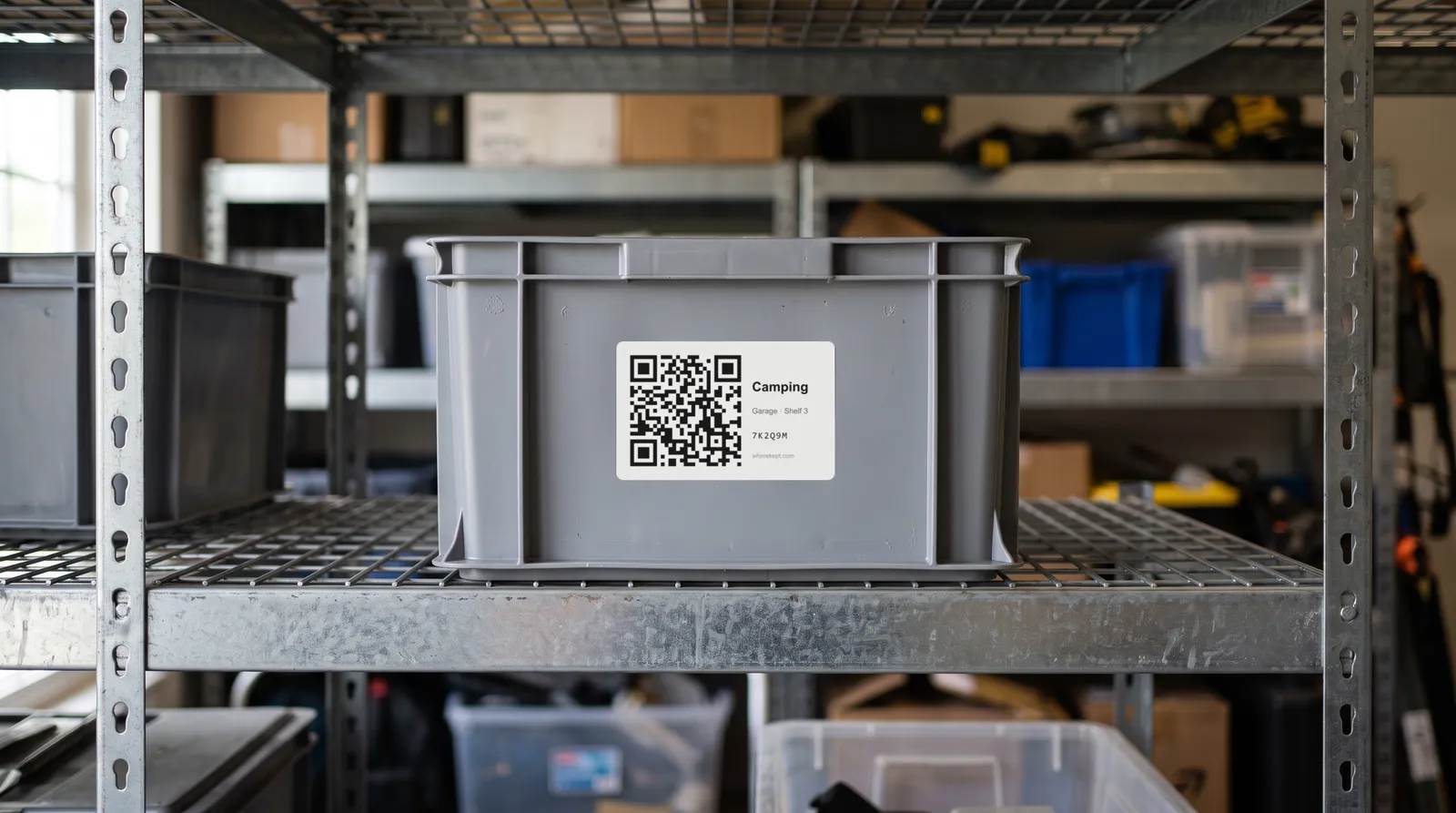
Opaque bins all look the same once the lid is on. The usual fixes are writing a list on masking tape or opening every bin until the right one turns up. A list you can search, with the bin’s address attached, is faster.
One photo per bin
In WhereKept, choose the bin first: Garage, Holiday shelf, Bin 3. If it is not there yet, make it from the same screen. Then take one photo of the open bin. WhereKept lists what it sees, with a count where there are several of something, and a small picture for each one cut from your photo. Anything it is unsure of starts unticked. Fix a name, change a count, add what it missed, and save the whole list to that bin in one tap.
Then label it
After saving into a bin, WhereKept offers to print its label. The QR code on the label opens that bin in the app, so anyone in the household can see what is inside without lifting the lid.
Finding it later
Search for “extension cord” and the answer is the address: Garage, Holiday shelf, Bin 3. Search forgives plurals and typos, so “extension cords” finds it too.
For the household
Sharing is free: everyone in the house sees the same bins and lists on their own phone. When someone moves a bin, the address changes for everyone.
What it costs, and what it does not do
The free plan holds 25 items and includes 3 photo scans a month. Labels, search and sharing are free. WhereKept Plus, $19.99 a year or $2.99 a month for the household, has 300 scans a month and no item limit. WhereKept is on iPhone only. It lists what a photo shows, so things buried at the bottom of a full bin need a second photo or a quick add by hand.
Questions
- Does it work on a closed bin?
- No. Open the lid, or tip the bin so the top layer shows. Clear bins photographed from the side work when the contents are visible.
- What if it gets something wrong?
- Untick it or rename it before saving. Nothing is saved until you tap Save.
- Can I use it for a shelf or a drawer instead?
- Yes. Any one spot works: a shelf, a closet, a drawer, a corner of the garage.
- Do I need special labels?
- No. The app makes a PDF you print on plain paper or label sheets.