Guide
A home inventory the whole family can use
By the WhereKept team. Updated September 14, 2026.
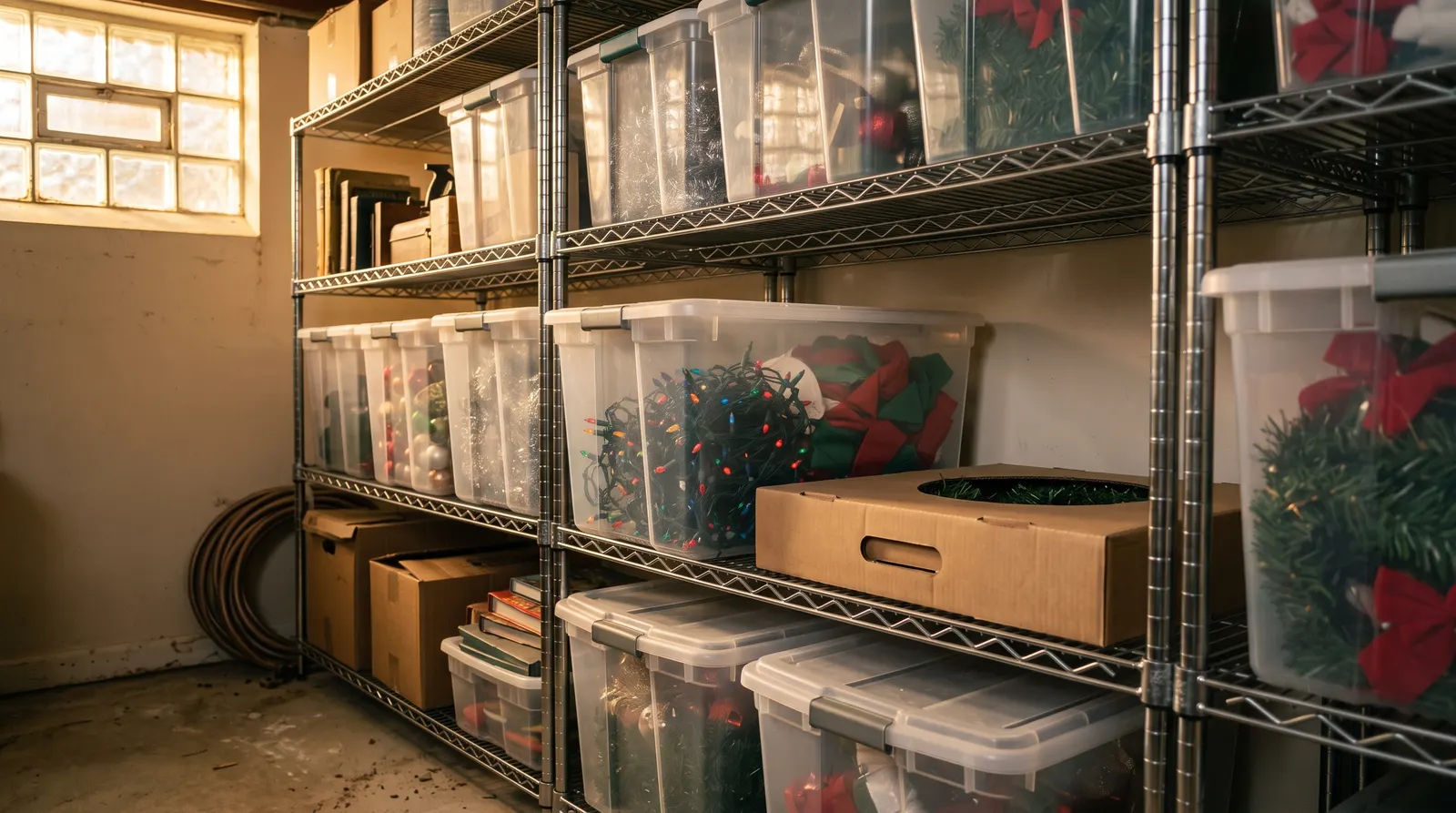
In most houses one person knows where things are, and everyone else asks them. A home inventory is supposed to fix that. It usually does not, because the inventory lives on one person’s laptop or phone, and the question still goes to the same person.
Why home inventories end up as one person’s project
Someone decides to get the house organized. They make a spreadsheet, or download an app, and spend a Saturday on the garage. For a month it works. Then a partner moves the camping gear to make room for the bikes, the spreadsheet is not updated, and the next time anyone looks, the list is wrong. Once a list is wrong a few times, nobody trusts it, and it quietly stops being used.
The problem is not discipline. It is that the people who move things are not the people who can update the list. A spreadsheet shared by link is awkward on a phone in a basement. Most inventory apps are built for one login, so families share a password, or give up.
What a shared home inventory needs
- Everyone sees the same inventory, live. If one person moves the holiday lights, the new spot shows up on everyone else’s phone right away, not after an export or a sync.
- Everyone has their own account. No shared password. Each person adds and moves things from their own phone.
- A record of who moved what. When something is not where the list says, the next question is who touched it last. The inventory should already know.
- Addresses, not just rooms. “Basement” is not an answer. “Basement, wire shelf, second bin from the left” is.
- One price for the household. Paying per person makes families leave people out, and then the inventory is wrong again.
- Private to the household. Only the people you invite can see what you own and where you keep it.
How WhereKept shares an inventory
WhereKept is built around a household. You describe the places in your house once: rooms hold closets, shelves, and cabinets, and those hold drawers and bins. Every item gets a place, which gives it an address like Garage · Tool chest · Bottom drawer.
With WhereKept Plus, you invite people with a code from the Household tab. They create their own account, choose Join with a code, and see the same places and items on their phone. When anyone moves an item, the address updates for everyone within seconds.
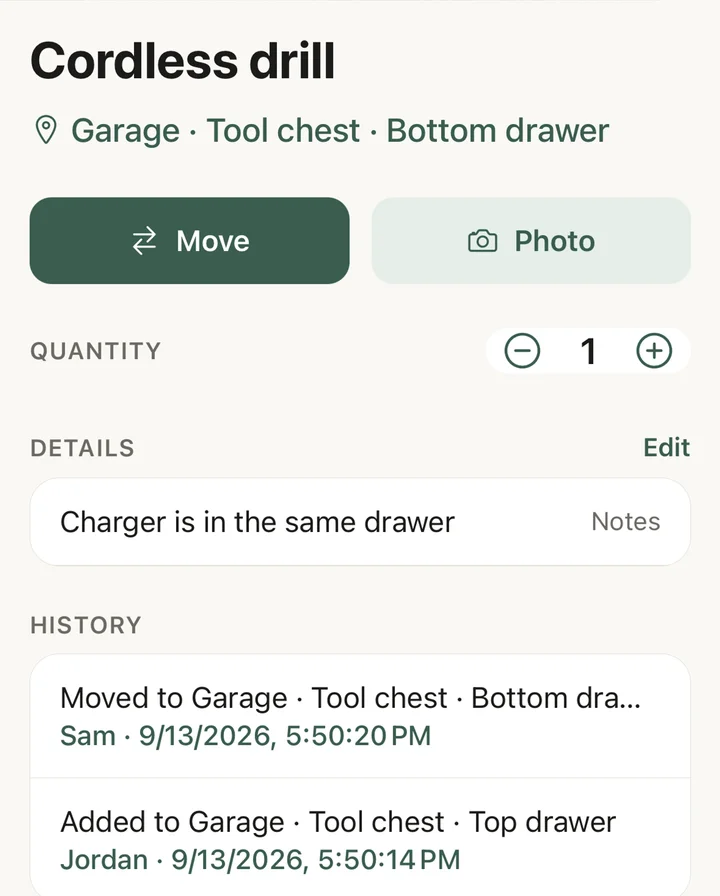
Every add and move is recorded with the person and the time. So the drill is not lost. Sam moved it to the bottom drawer. You can also print a label for a bin or shelf, and anyone in the household can scan it to see what is inside. See how to label storage bins for how that works.
How to get your family to actually use it
The setup matters less than the first two weeks. What works:
- Start with the place everyone argues about. Usually the garage, the basement, or the holiday bins. Do that one area together in an evening. Do not try to do the whole house.
- Let people add their own things. The person who owns the fishing gear knows where it goes. Adding it themselves is also how they learn the app.
- Agree on one rule: if you move it, move it in the app. Moving an item takes a few taps. If that rule holds for the shared areas, the inventory stays right.
- Label the bins you open least. Bins on high shelves and in the basement are where the list goes stale first. A label that anyone can scan keeps them honest.
- Answer questions with the app. When someone asks where the extension cord is, search for it together instead of answering from memory. After a few times, they search first.
If you would rather not use an app
A shared note or spreadsheet can work for a small household that keeps things in a few places. Use one row per item with columns for room, furniture, and spot, so an address reads left to right. Pin it where everyone can open it on their phone. It will hold up best for things that rarely move, like documents and seasonal gear. It will struggle with anything that moves often, and it cannot tell you who moved something. For the habits that help either way, see how to remember where you put things.
Questions
- Does everyone in the household need to pay?
- No. One WhereKept Plus subscription, $19.99 a year or $2.99 a month, covers everyone you invite to the household. Each person signs in with their own account on their own iPhone.
- Can I start on my own and invite my family later?
- Yes. The free plan holds 25 items for one person. When you upgrade to Plus and invite people, everything you already added is there for them.
- Who can see our household inventory?
- Only the people you invite with your household's code. Photos are stored privately, and nothing in your inventory is shown to anyone outside the household.
- Does WhereKept work on Android?
- Not yet. WhereKept is an iPhone app. If someone in your household uses Android, they cannot join for now.
- What happens to our inventory if we stop paying for Plus?
- Nothing is locked or deleted. Everything you added stays searchable and exportable. You can no longer invite new people or add items past the free limit, and photo identification and the insurance PDF stop.