Guide
QR labels for moving boxes: know what is in every box
By the WhereKept team. Updated October 26, 2026.
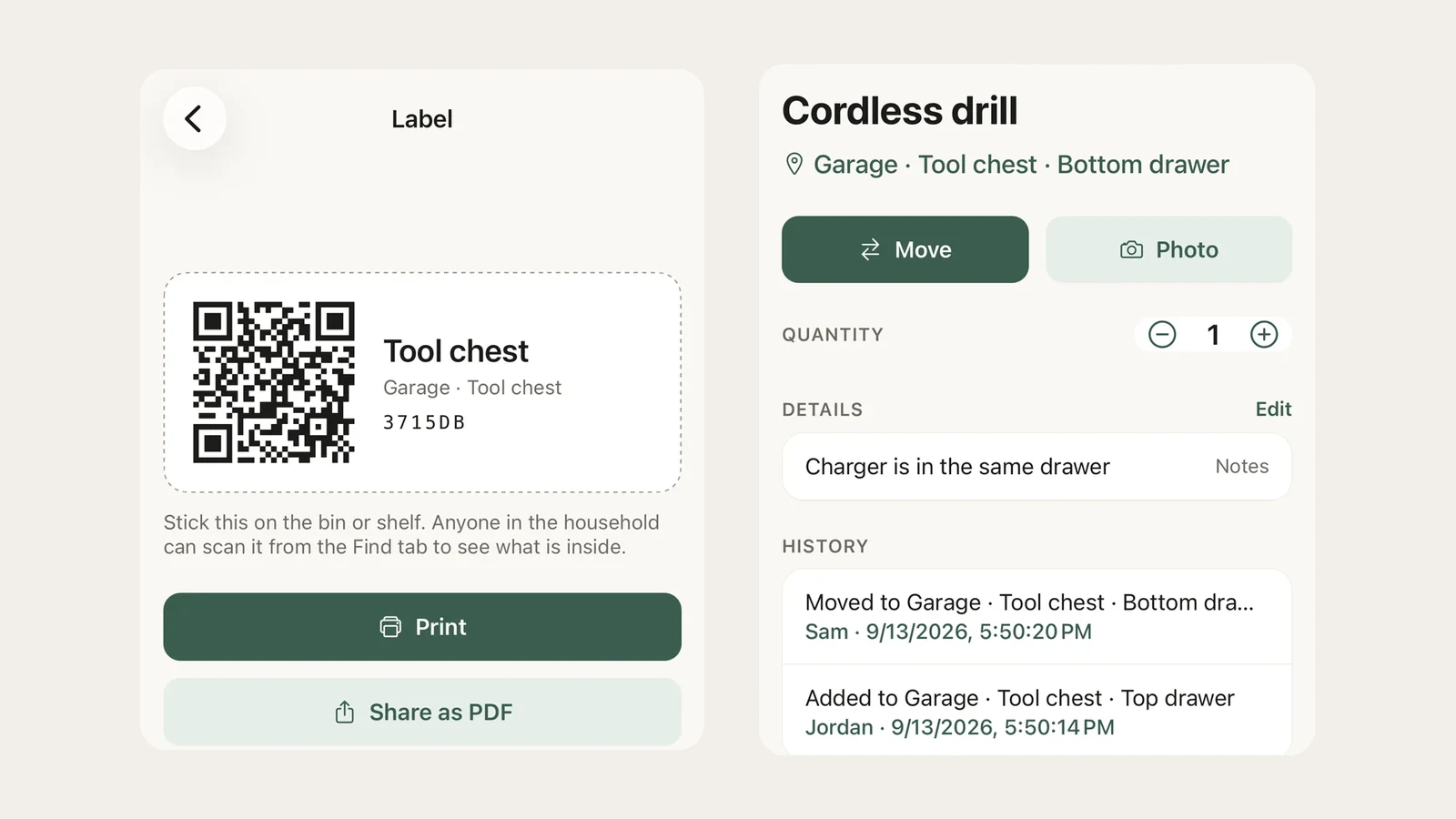
Writing “kitchen” on a box tells you where it goes. It does not tell you which of the eleven kitchen boxes has the coffee maker. A label you can scan does.
Set it up before you pack
In WhereKept, make a room for the move and call it Moving boxes. Add each box as a place inside it: Box 1, Box 2, and so on. Open a box and tap Print label. Print it straight away, or share it as a PDF and print a few at once. Tape one label to each box, then add items to the box as they go in.
You do not have to list everything. Add the things you will want in the first week and the things that are hard to replace. For the rest, add one item called Odds and ends and take a photo of the open box before you tape it.
Pack the first night box last
Sheets, phone chargers, a towel each, medicine, the coffee maker. Give it its own label and load it last so it comes off the truck first.
At the new house
Tap the scan button on the Find tab and point the camera at a box. The app opens that box and shows everything you put in it. Search works too: type “passports” and the answer is Box 7.
When a box is unpacked into a closet, move each item to its new spot and its address changes with it. If a box is going to sit in the garage for a while, move the whole box into the garage in one step and everything inside comes along.
For the whole household
On WhereKept Plus everyone in the house shares the same list on their own phone, so whoever is unpacking can find the box without asking. Plus is $19.99 a year or $2.99 a month for the household. More on that in a home inventory the whole family can use.
What it does not do
WhereKept is on iPhone only and needs a connection. The free plan covers 25 items for one person, which is a few boxes, not a house. Boxes themselves are places and do not count toward the limit. For bins that stay in storage after the move, see how to label storage bins.
Questions
- Do I need special labels?
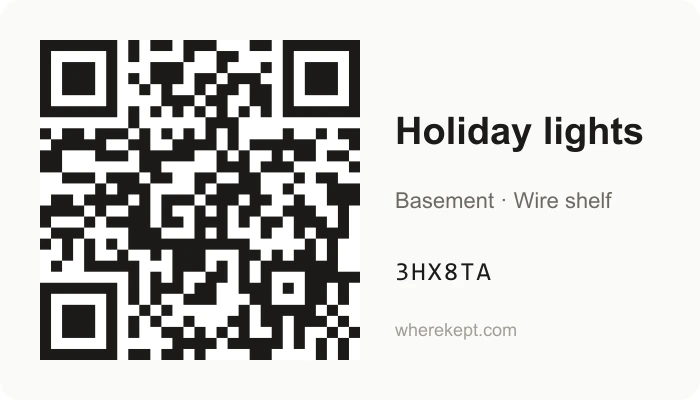
- No. The app prints each label on plain paper or a label sheet, or shares it as a PDF you can print later. A WhereKept label is 3.5 by 2 inches, with the code on the left and the box's name and address on the right.
- Can someone without the app scan a box?
- Anyone can read the box name printed on the label. Scanning the code opens the box only for people in your household. Everyone else sees a page saying it is a WhereKept label, so the movers and the neighbors never see the list.
- What if I do not want to list every item?
- Add one item per box called Odds and ends and take a photo of the open box for it before you tape it shut. Search finds the things you typed, and the photo shows the rest when you open the box in the app.
- What happens to the boxes after the move?
- Delete each box place once it is empty, or keep the labels on the bins that stay in storage and rename them to what they hold now.